Label printers
Print straight to your thermal label printer, one label at a time, at the roll's exact size.
Any format, any printer. Make one, or a whole batch from your spreadsheet. Free, no account.
| A | B | C | D | |
|---|---|---|---|---|
| 1 | Product | SKU | EAN | Price |
| 2 | Loose leaf green tea 100 g | TEA-GRN-100 | 4006381333931 | $8.50 |
| 3 | Stoneware mug | MUG-SW-01 | 5901234123457 | $18.00 |
| 4 | Beeswax candle | CND-BW-02 | 8712345678906 | $12.00 |
| 5 | Linen tea towel | TWL-LN-03 | 5012345678900 | $14.00 |
| 6 | Lavender soap bar | SOP-LV-04 | 4006381333948 | $6.50 |
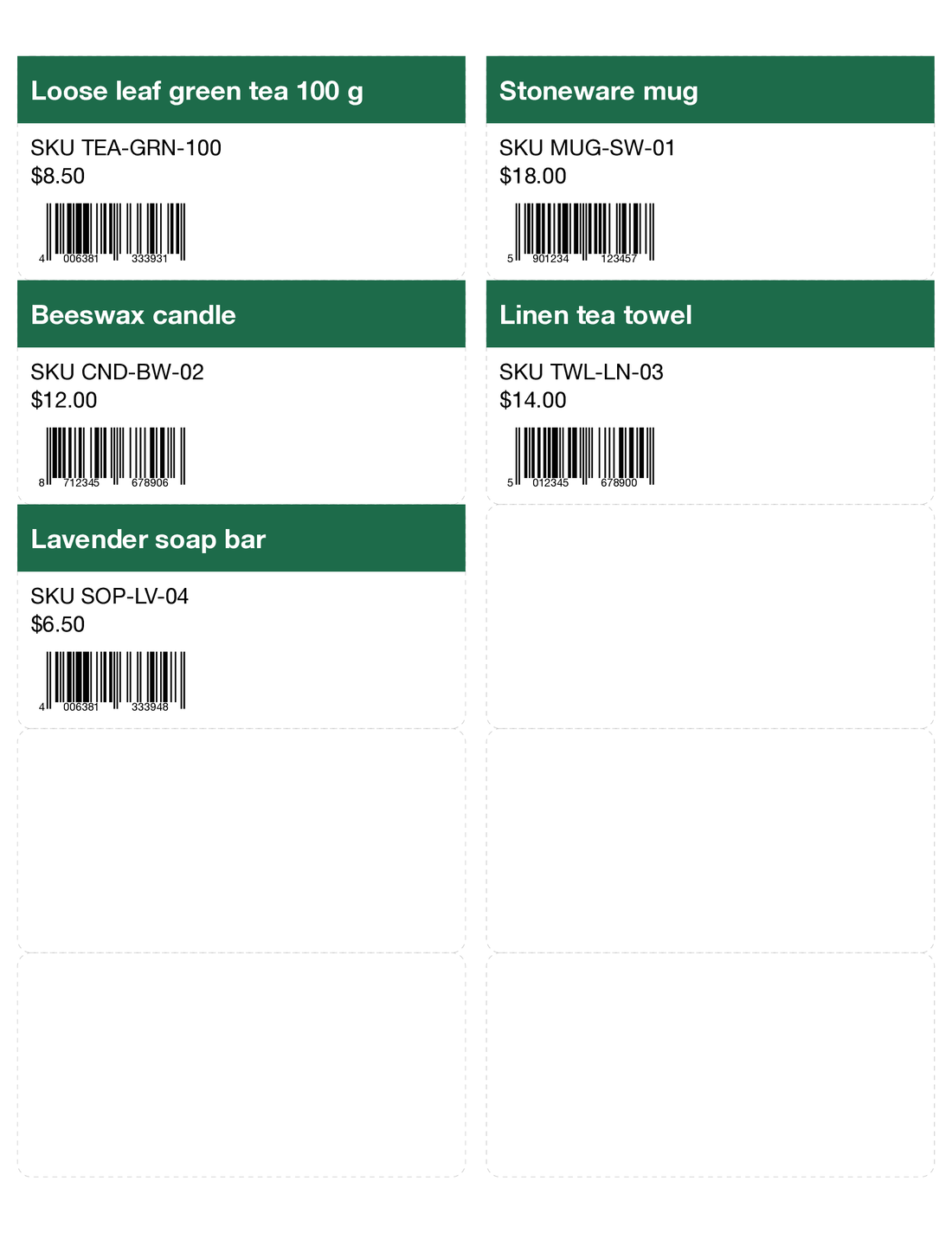
Pick what you're making, add your list or type it once, and print on US Letter or A4 sheets from any brand.
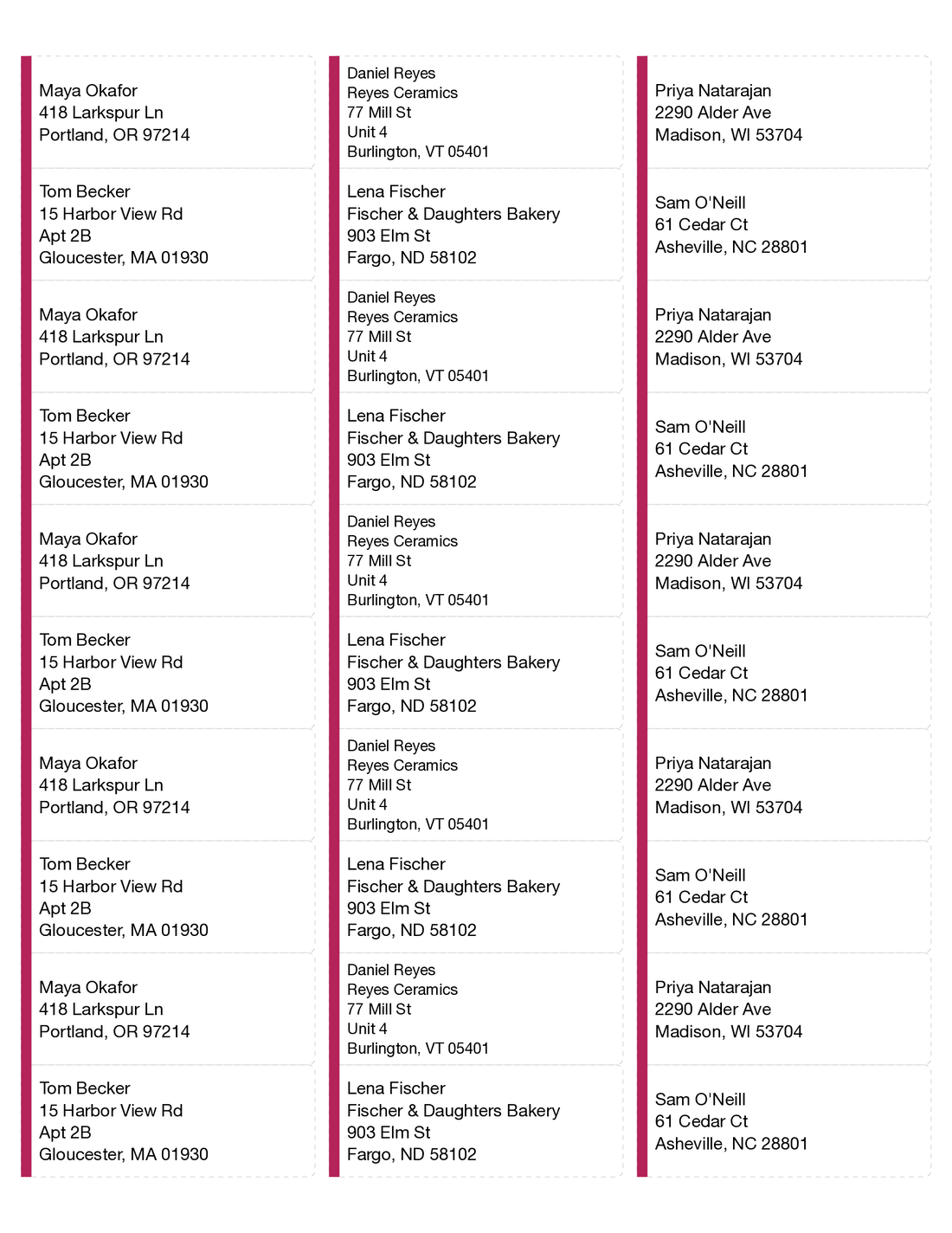
Your whole address list on sheets, for holiday cards, invitations or a mailing.
Name, price and barcode on every product, ready for the shelf or the market stall.
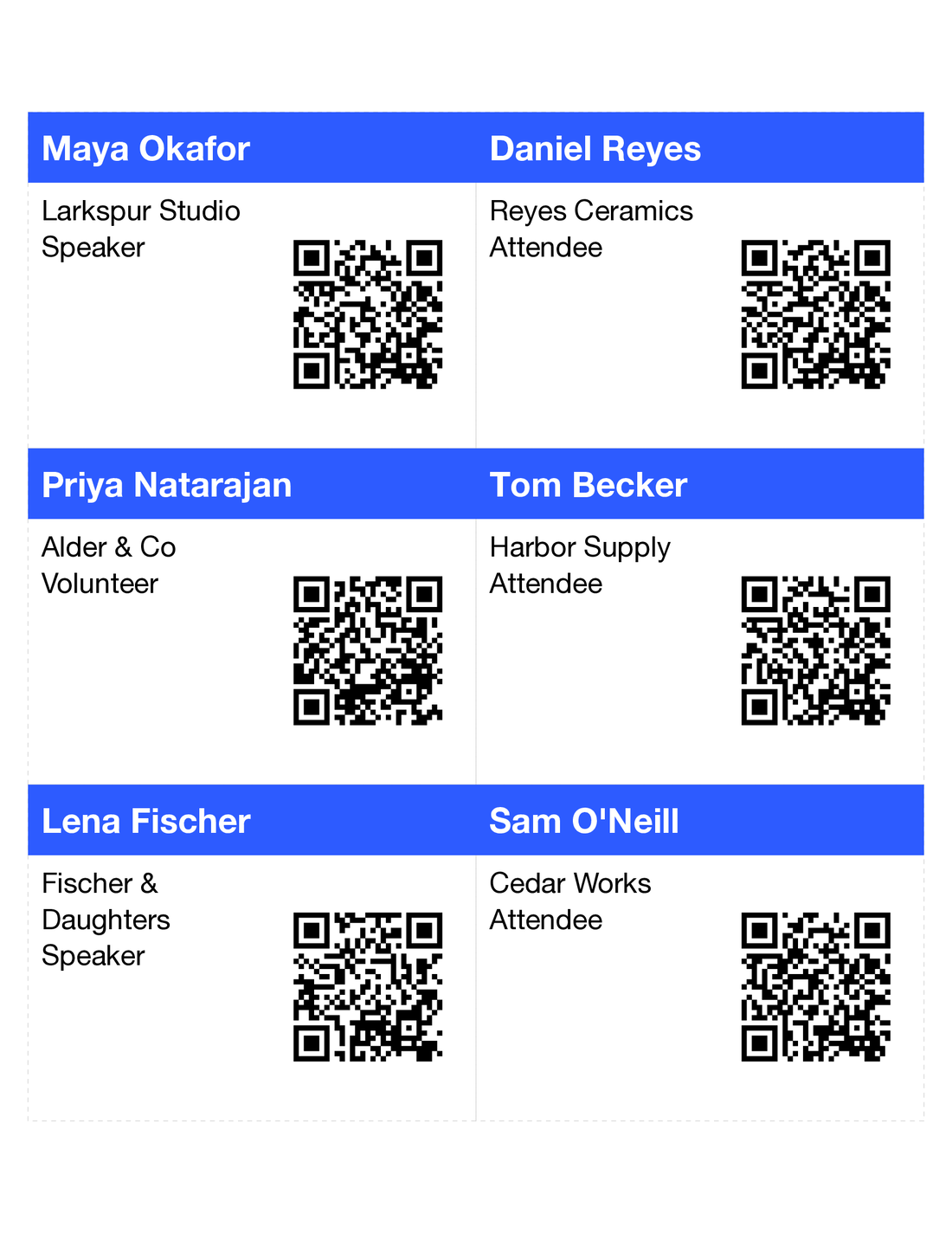
A badge for everyone on your guest list, with a QR code for check-in if you want one.
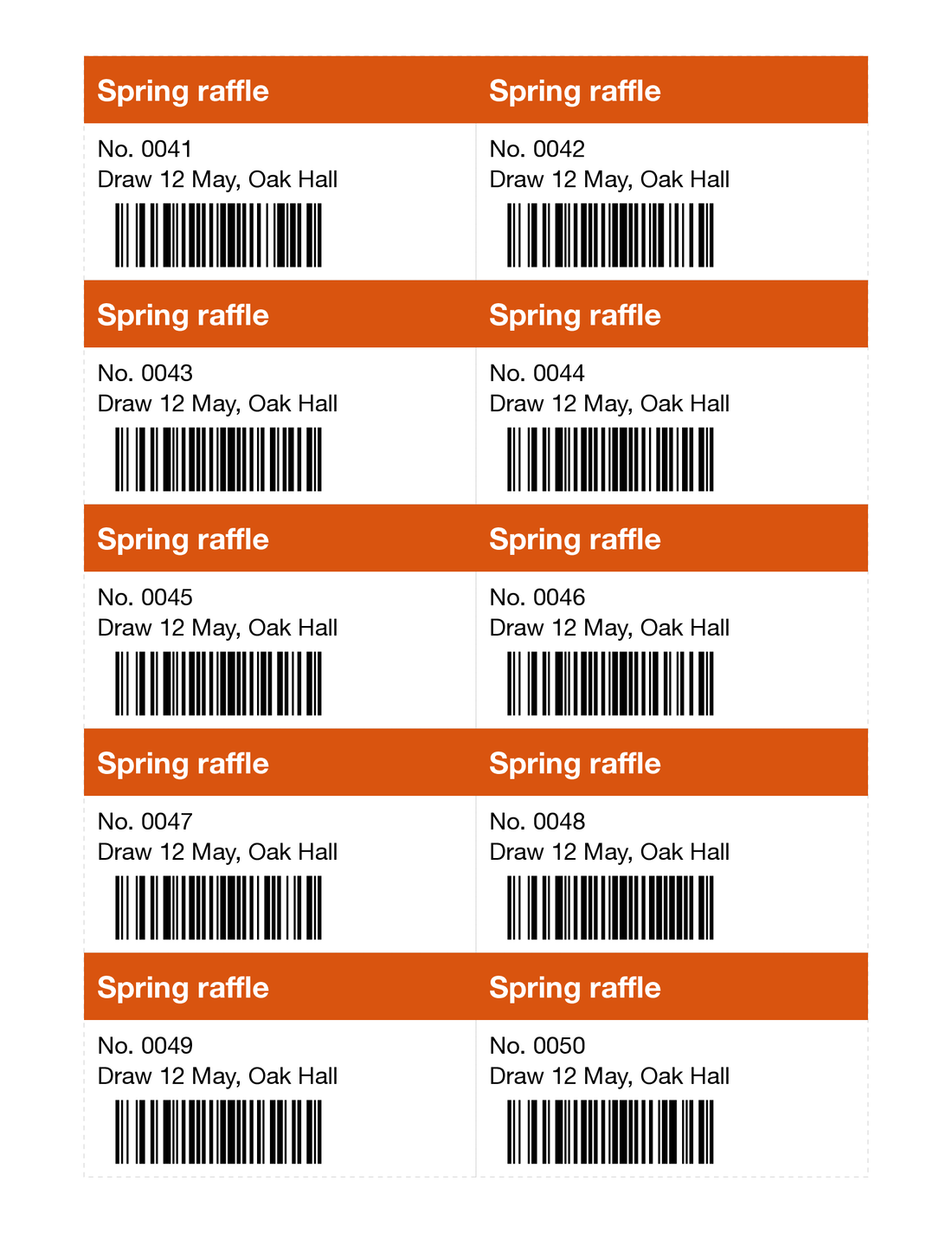
Numbered tickets for your raffle or event, each with its own number and barcode.
Print straight to your thermal label printer, one label at a time, at the roll's exact size.
Labels printing off? Fix it once.
Printer adjustment
0.4 mm across, -0.2 mm down
Start from a template, pick a colour and a font, and see each label from your list as you change it.
Open your file or paste the rows, and fix any cell before you print.
EAN, UPC, Code 128 and QR codes from your list, with typos caught before you print.
Make and download your designs with no account and no watermark.
Open your Excel file in Corgiprint and pick the 1 x 2-5/8 in sheet, compatible with Avery® 5160. Download the PDF and print it at Actual size.
Open your spreadsheet in Corgiprint and pick the 4 x 3 in badge insert, compatible with Avery® 5392. Add a QR code if you want one, then print the PDF at Actual size.
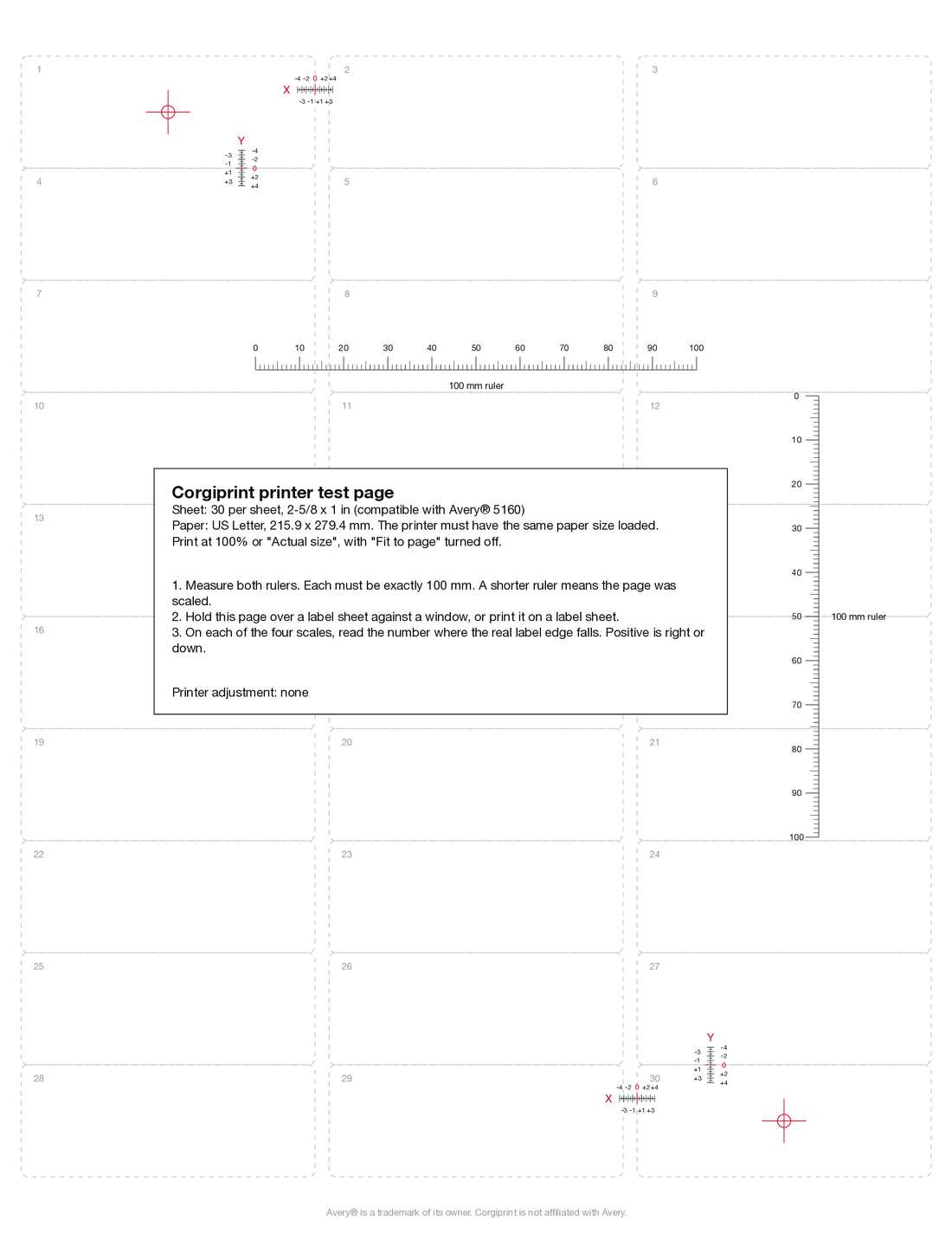
Most often your print dialog is set to "Fit to page", which shrinks the sheet. If they are still off at Actual size, print Corgiprint's test page to measure your printer and correct it.
You get every cell as you typed it, so 02134 stays 02134. If Excel already dropped the zeros, you see those rows to fix before you print.
Yes. Make and download your designs with no account and no watermark.